View Job Run Logs
Job Run Logs
This section details the variety of ways that job run logs can be accessed depending on your Husonym environment.
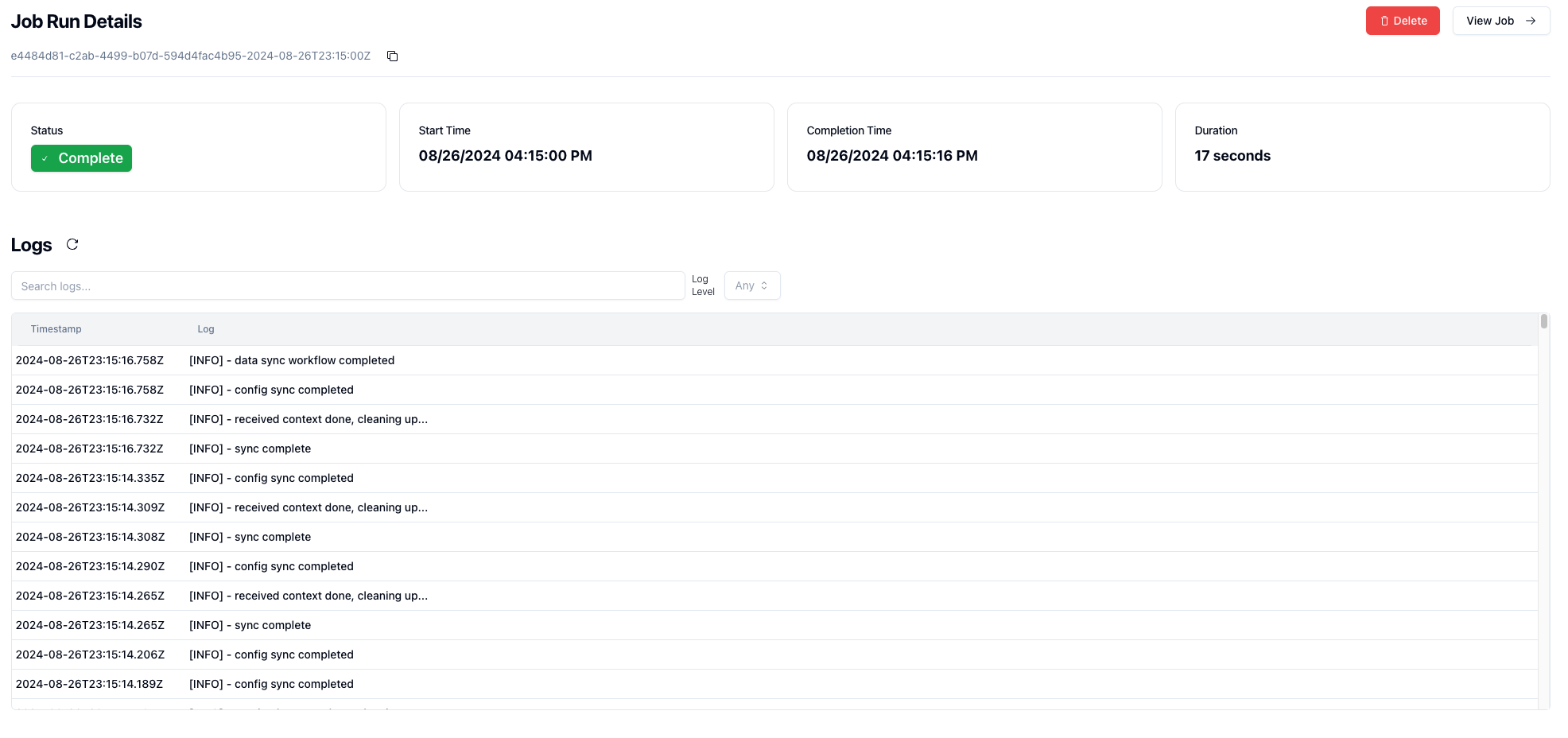
You have a few options at your disposal.
Docker Compose
If you're running the docker compose setup or just trying out Husonym locally, there is currently no option within the UI to view logs.
To see these logs, you'll need to tail the running Husonym worker container.
This can be done a variety of ways.
If you ran make compose/up from the root, you can run the following command in your terminal:
docker compose logs -f worker
This will print out any logs as well as follow the worker. If you just wish to print and not also follow, omit the -f
An alternative is to use the docker command directly, or navigate to the husonym worker container in Docker UI.
docker logs husonym-worker -f
Kubernetes
If you're running in a Kubernetes environment, there are multiple ways to view worker logs, along with support for showing them natively in Husonym's UI.
kubectl
The standard way of viewing the live pod logs:
kubectl logs -n husonym deployment/husonym-worker -f`
Husonym UI
Husonym can be configured to surface pod logs via the UI by configuring husonym-api to surface these.
If you've deployed Husonym via the helm chart, this should come pre-configured with kubernetes pod logs.
This must be enabled both on the Frontend as well as on the backend as the frontend environment variable handles showing the components, while the backend enables the ability to actually surface and scrape the pod logs from the worker.
This are great for basic deployments, but will disappear on worker pod shutdown.
Persistence with Loki
Husonym has native support for surfacing logs that come from a Grafana Loki instance.
Please note that Husonym does not natively handle shipping logs to Loki, however it can natively handle querying a Loki instance to surface logs into Husonym UI.
This can be configured by setting the RUN_LOGS_TYPE environment variable to loki, along with configuring the RUN_LOGS_LOKICONFIG_BASEURL.
To see the full environment variables, view the api env vars.